Install a tester build
Use these steps when you receive a Sambafied tester ZIP. Read the included README first for that build's version, certificate thumbprint and known issues.
Install
- Extract the tester ZIP to a folder.
- Save your work, let active transfers finish and quit Sambafied, including its tray app, before updating. Keep your work folders and application data.
- If a test certificate is supplied, open the
.cerfile. In Details, find Thumbprint and compare it with the value in the supplied README. Stop if they do not match. - For that matching certificate, choose Install Certificate, Local Machine, then Place all certificates in the following store. Select Trusted People and complete the administrator approval.
- Open the
.msixfile and choose Install or Update in Windows App Installer. Check that its version matches the build you received. - Open Sambafied AEM from the Windows Start menu.
The certificate step trusts the supplied self-signed tester certificate on this PC. Only use it for a tester package received from your Sambafied contact. A publicly trusted release does not require this test certificate step.
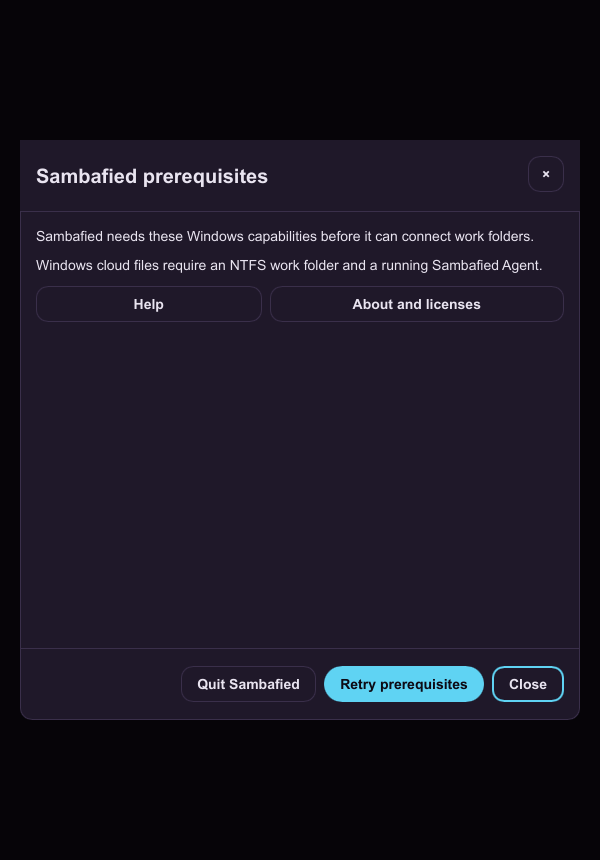
Illustrative sample. After launching Sambafied, review its prerequisite checks.
Update a tester build
Use the same steps with the next tester ZIP. Windows can update a compatible package with the same identity to a higher version. If it reports a different publisher or package conflict, ask your Sambafied contact for the migration steps before uninstalling anything.
Installing the .msix from a tester ZIP does not subscribe you to the Sambafied
update feed. See automatic updates for channel installs.
If installation fails
If .msix files do not open, install or update
Microsoft App Installer, then retry.
If Windows reports a missing VCLibs framework, send the exact error to your
Sambafied contact and ask for the matching Microsoft framework package. The
ordinary Visual C++ redistributable is not the same package.
Do not delete work folders, recovery copies or application data to fix an installation error. Report the package version, Windows error and steps taken. Build-specific fixes and known issues remain in the README supplied with each ZIP.