Install, update and preserve your data
Requirements and availability
The current client is for Windows only. For a supplied tester ZIP, follow tester installation. That page covers prerequisites, test certificate setup, installing the package and updating a tester build.
Find downloads and release notes at updates.sambafied.me. Read automatic updates for the difference between a channel installation and a manually installed tester package. Sambafied AEM Desktop is a development preview; use the known issues supplied with your build.
Before first use
Obtain the build from the responsible product contact. Check whether it is an offline demonstration or a connected client. The demonstration cannot sign in, upload assets or provide a real Windows work folder. For a connected build, ask your administrator for the Author address, DAM root, permitted sign-in method and disk requirements. Keep each connection's work folder distinct.
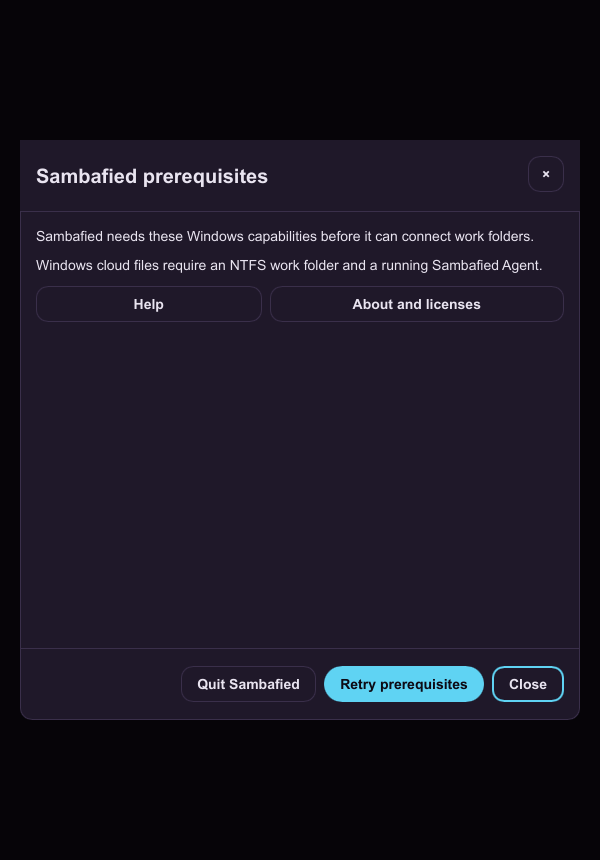
Illustrative sample. Sambafied lists its Windows and work folder prerequisites.
Licence activation and removal
Read Licensing to add your key, deactivate a device and locate the protected licence file. Full MSIX users must deactivate in the app before uninstalling; the license-aware Setup.exe does this automatically. Follow the instructions supplied with your build and preserve local work before removal.
Preserve local data
Keep user work, recovery copies, cache and application configuration in place during updates. Changing a display name does not move a work folder. A supported migration procedure is still being prepared. Do not move existing application data into a proposed layout manually.
Install, upgrade and uninstall without losing work
Use the tester installation steps for a tester ZIP, or the channel installation steps when signed releases are available.
- Obtain an evaluation build and instructions from the responsible product contact.
- Before updating, inspect pending uploads and back up local edits and recovery data.
- Follow only the update or rollback instructions supplied for that build.
- Before uninstalling, review data retention and keep user work by default.
An evaluation build is not a supported customer release. Platform compatibility information will accompany a release.
Stop if publisher, version or retention instructions are unclear. Do not delete caches or work folders as an upgrade recipe.