Transfers, activity, Inbox and operations
Guide home · Find a task Transfers shows moving files and individual progress. Operations shows requests and their results. Inbox brings together work needing attention. Open a notification to inspect the related operation; dismissing it does not cancel work.
Retry, cancel and notifications
Inspect individual errors before retrying. A cancelled request may already have completed on the server. Check unknown results before resending. After restart, confirm the original connection and account before resuming pending work.
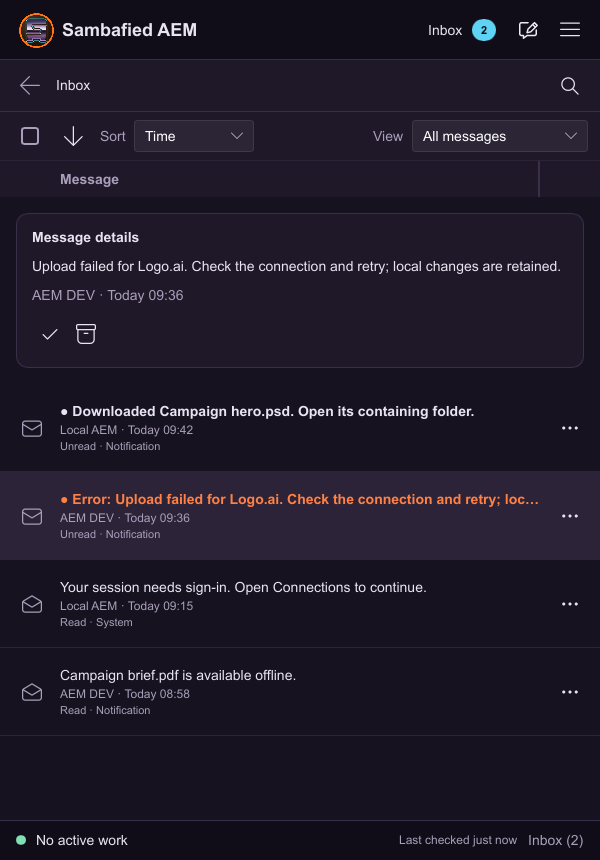
Illustrative sample. Inbox shows details for the selected upload error.
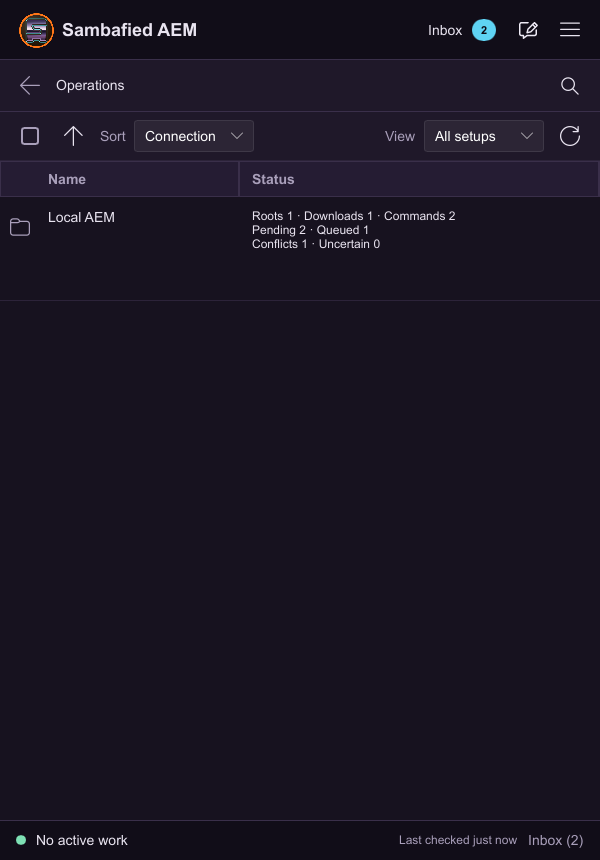
Illustrative sample. Operations lists pending work for the selected setup.
Monitor transfers, retry and cancel
Start a transfer or open its history.
- Open Transfers for progress and individual items.
- Open Operations for request details and outcome where available.
- Inspect a failure before choosing Retry.
- To stop an operation, choose Cancel and read its final status.
A cancelled request may already have completed on the server. Dismissing a notification does not undo it.
If the result is unknown, keep its details and check the server or contact support before retrying. Progress with an unknown total may remain indeterminate.
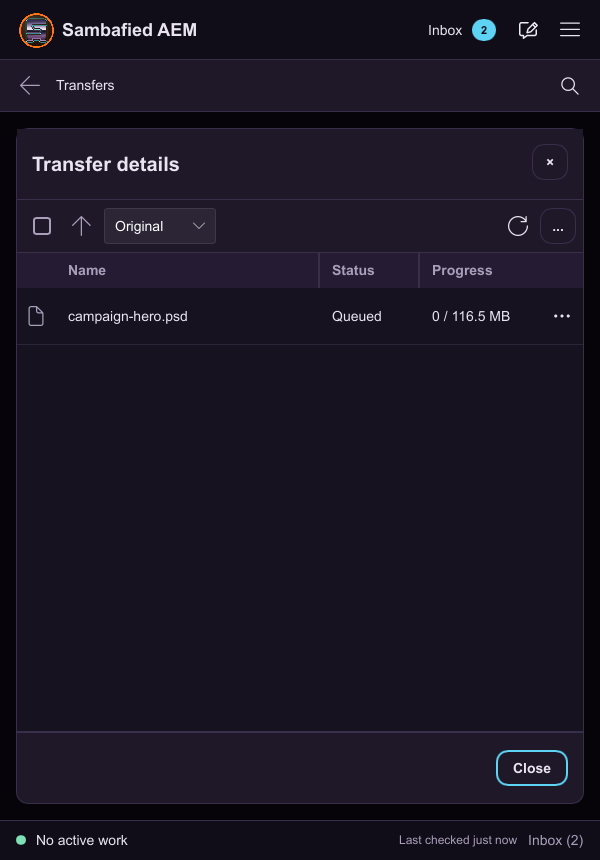
Illustrative sample. Controls may differ in your build; this image does not verify the complete task or its result.